Allow learners to provide ratings and reviews to the course
More than 80% of users trust online reviews more than personal recommendations. By enabling learners to rate and review your course, you may encourage new learners to enrol on your course.
To enable your learners to submit reviews, go to Products > Courses > Select the Desired Course.
Then click the Settings button.
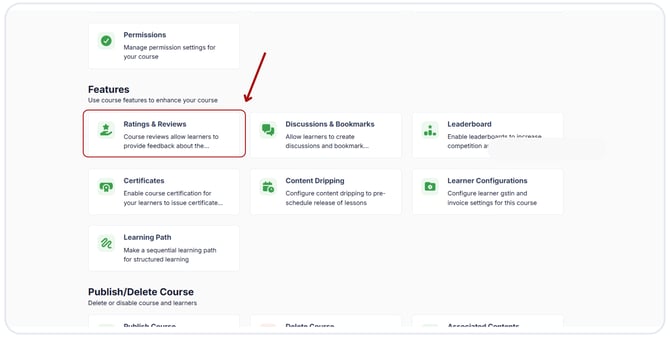
Click the Ratings and Reviews
Enable Ratings & Reviews.
Next, press the "Save" button. Learners can rate your course, and favourable feedback will attract new learners.
![Learnyst Logo-25-1.png]](https://support.learnyst.com/hs-fs/hubfs/Learnyst%20Logo-25-1.png?height=40&name=Learnyst%20Logo-25-1.png)
.png?width=670&height=343&name=Add%20Tag%20details%20to%20the%20courses%20(3).png)
.png?width=670&height=343&name=Add%20ratings%20and%20reviews%20(1).png)