![Learnyst Logo-25-1.png]](https://support.learnyst.com/hs-fs/hubfs/Learnyst%20Logo-25-1.png?height=40&name=Learnyst%20Logo-25-1.png)
-
To delete an Webinar, Navigate to the Products > More Products > Webinars > settings
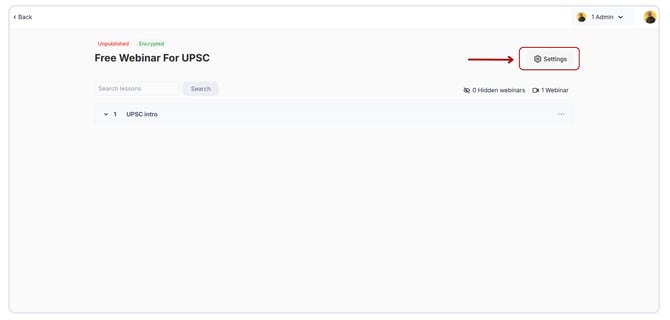
- Next, click on Delete Webinar.
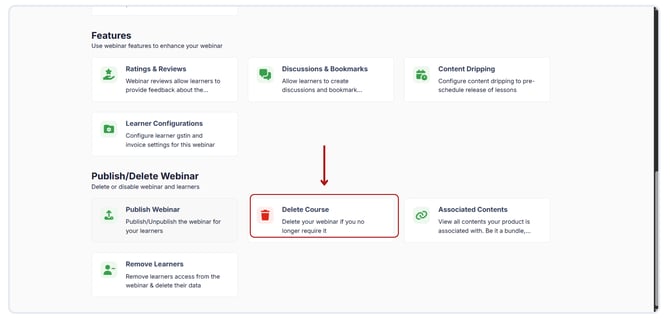
- Click the Delete button to permanently remove the Webinar from your platform.
.png?width=670&height=321&name=Delete%20the%20webinar%20(1).png)
- Deleting an Webinar is an irreversible action. Once an Webinar is deleted, it cannot be recovered or undone.
- Make sure to delete all the sections and lessons that are within the course.