![Learnyst Logo-25-1.png]](https://support.learnyst.com/hs-fs/hubfs/Learnyst%20Logo-25-1.png?height=40&name=Learnyst%20Logo-25-1.png)
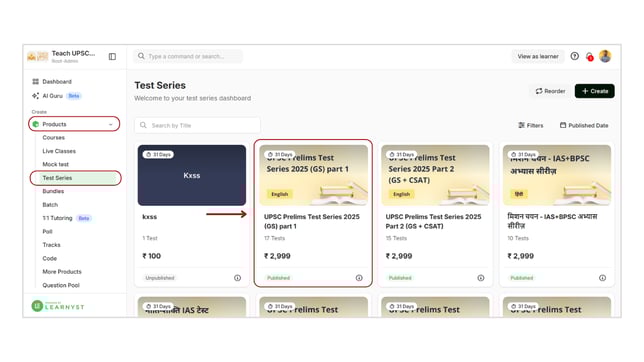
- To edit the title of your sets, navigate to Products > Test Series and select the desired test series.
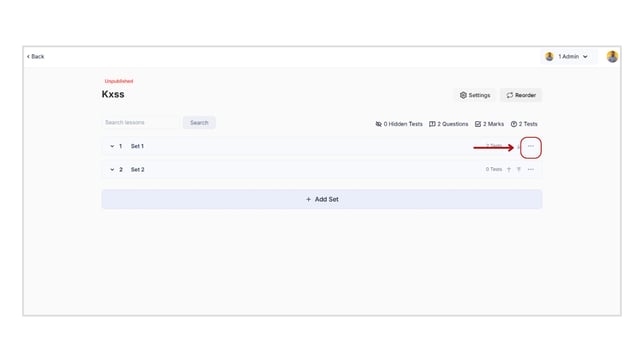
- Click the "three dots" icon.
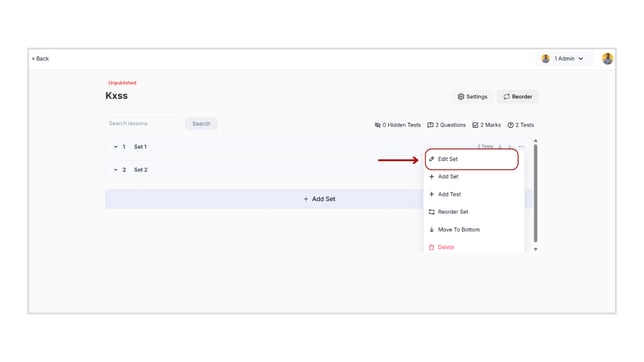
- Now, select the Edit Set option.
- Here, Change the set title and click the Save button.
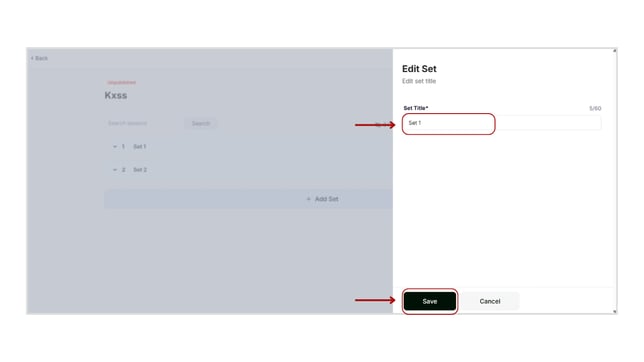
- By following these steps, you can edit the name of the sets.