![Learnyst Logo-25-1.png]](https://support.learnyst.com/hs-fs/hubfs/Learnyst%20Logo-25-1.png?height=40&name=Learnyst%20Logo-25-1.png)
- To enable the Quiz pause option, go to the quiz and click the Settings button.
.png?width=670&height=322&name=pub%20quiz%20(1).png)
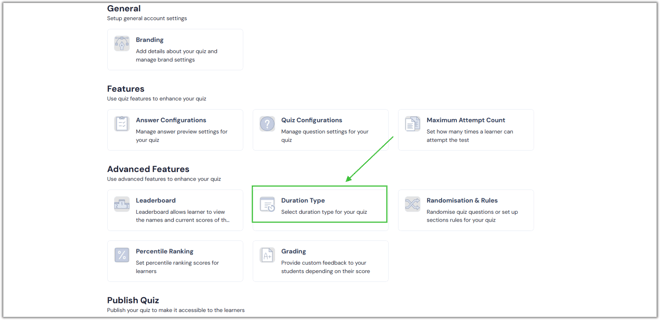
- Next, select the Duration Type option from the Advanced Features list.
- Now, click here to enable the Quiz pause option. After enabling it, click the Save button.
.png?width=670&height=322&name=pause%20(3).png)
- During the test, your students can stop the quiz by clicking the pause icon.
.png?width=670&height=322&name=pause%20(4).png)