![Learnyst Logo-25-1.png]](https://support.learnyst.com/hs-fs/hubfs/Learnyst%20Logo-25-1.png?height=40&name=Learnyst%20Logo-25-1.png)
Step-by-step guide
1. Go to the Learnyst Admin Dashboard
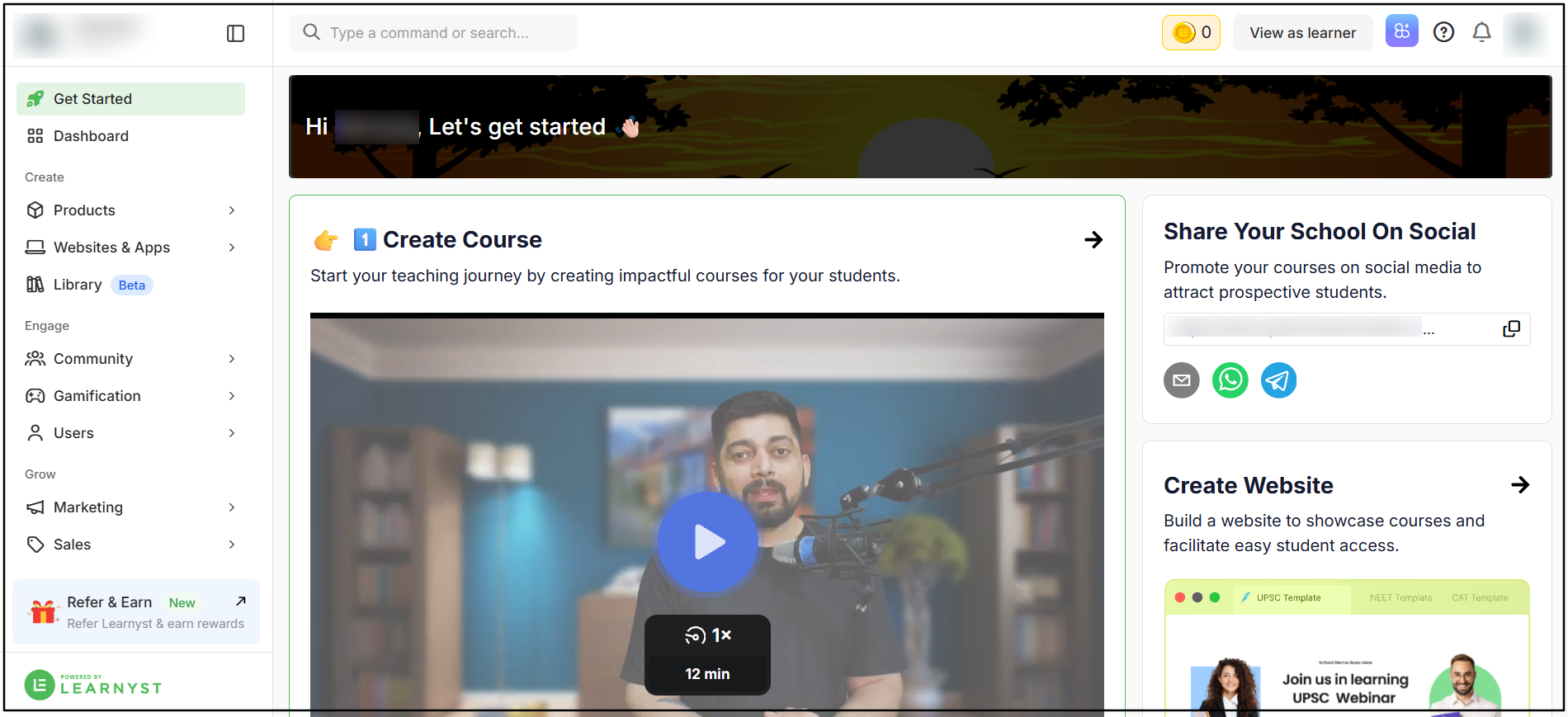
Log in to your Learnyst account and open the Admin Dashboard to manage your academy and products.
2. Go to Products → Courses
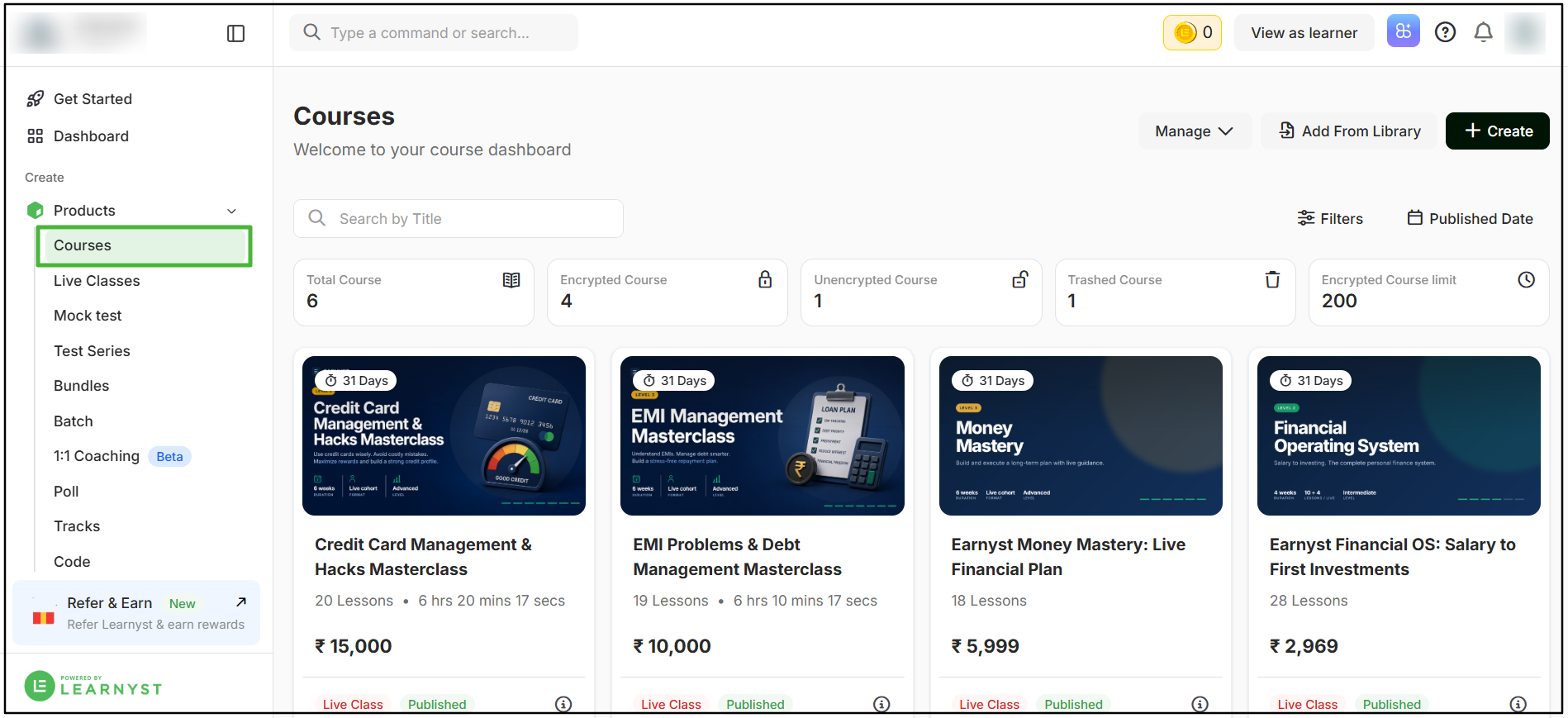
From the left-side navigation menu, select Products, and then select Courses to view the courses available in your academy.
3. Select the course
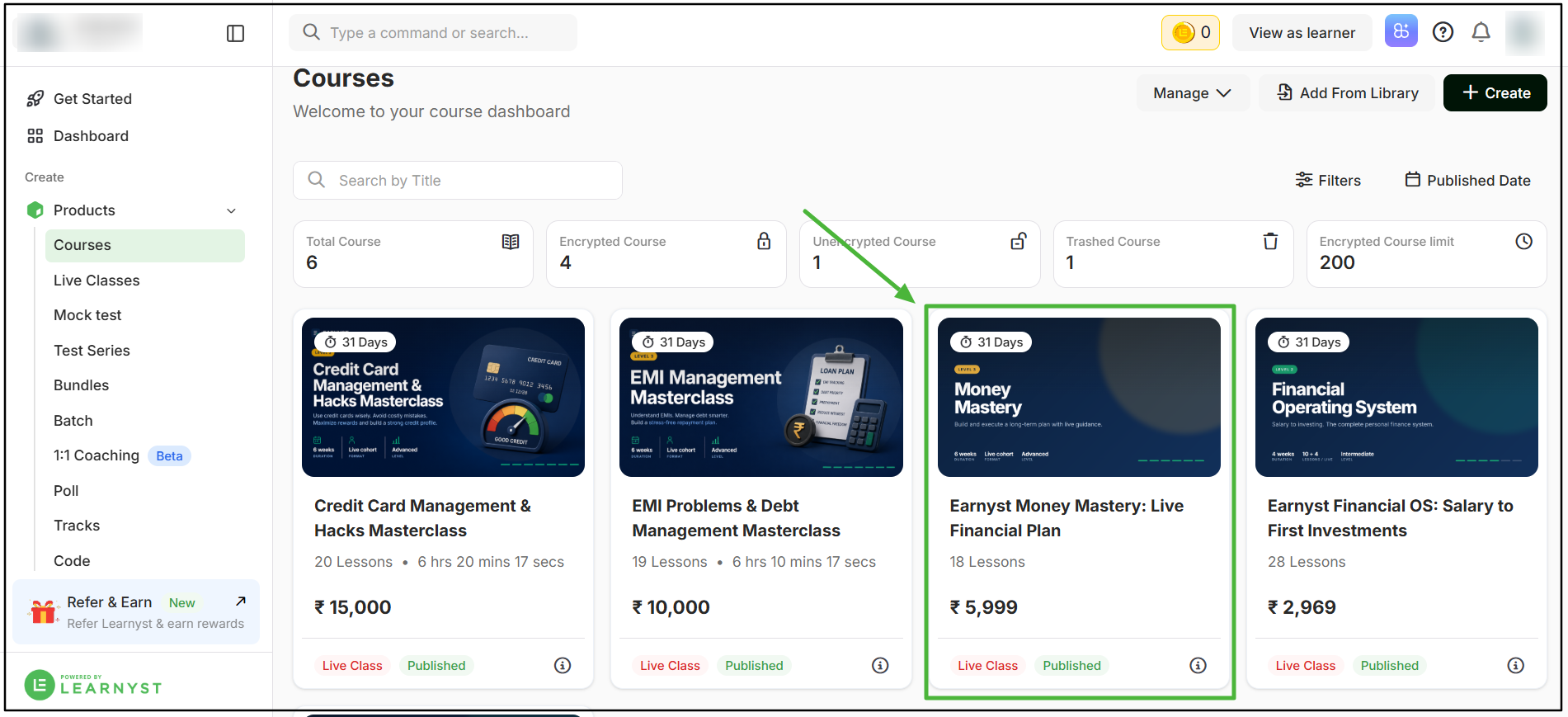
From the list of courses, select the particular course for which you want to create a sales page. This will open the course details page.
4. Click Generate Sales Page
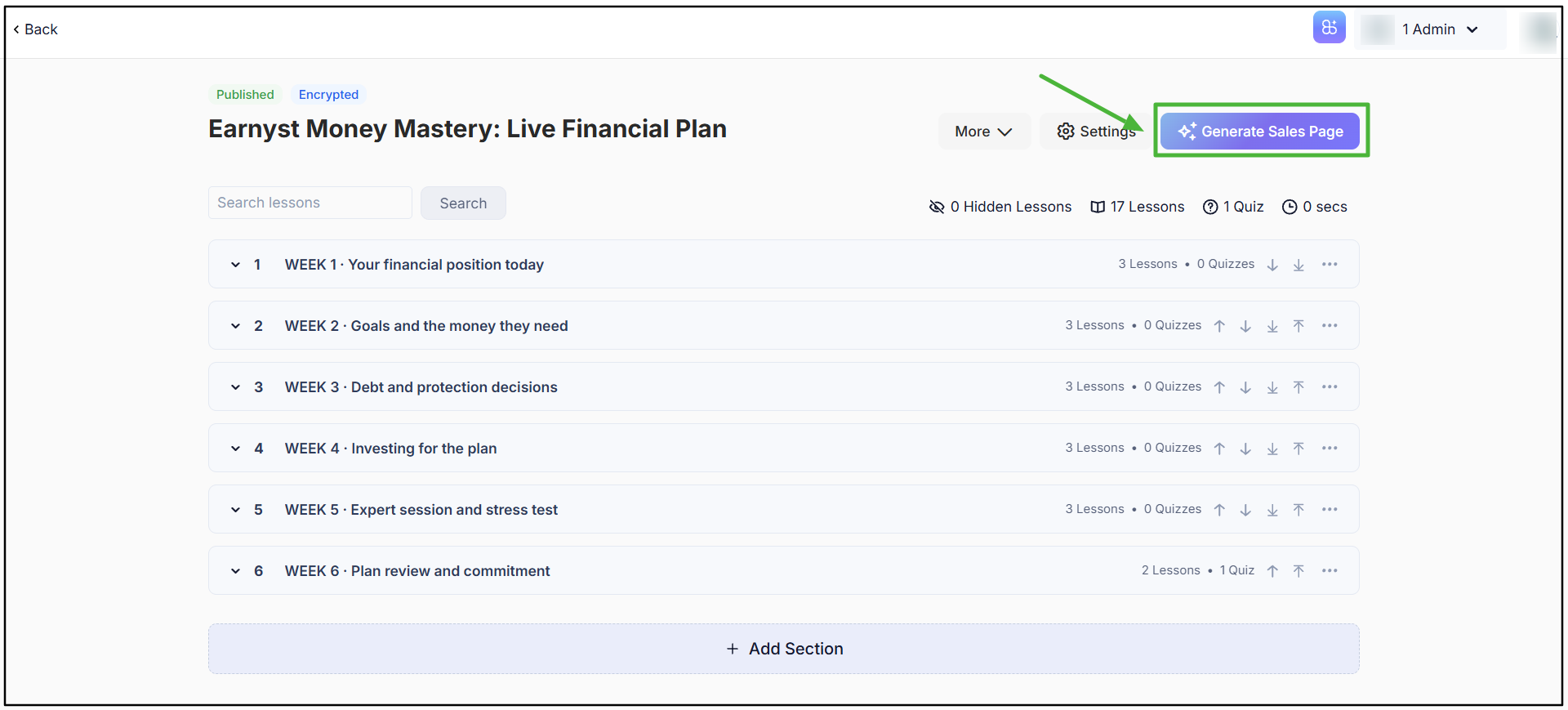
On the course details page, click Generate Sales Page in the top-right corner of the course sections area.
5. Let AI CoFounder generate your sales page
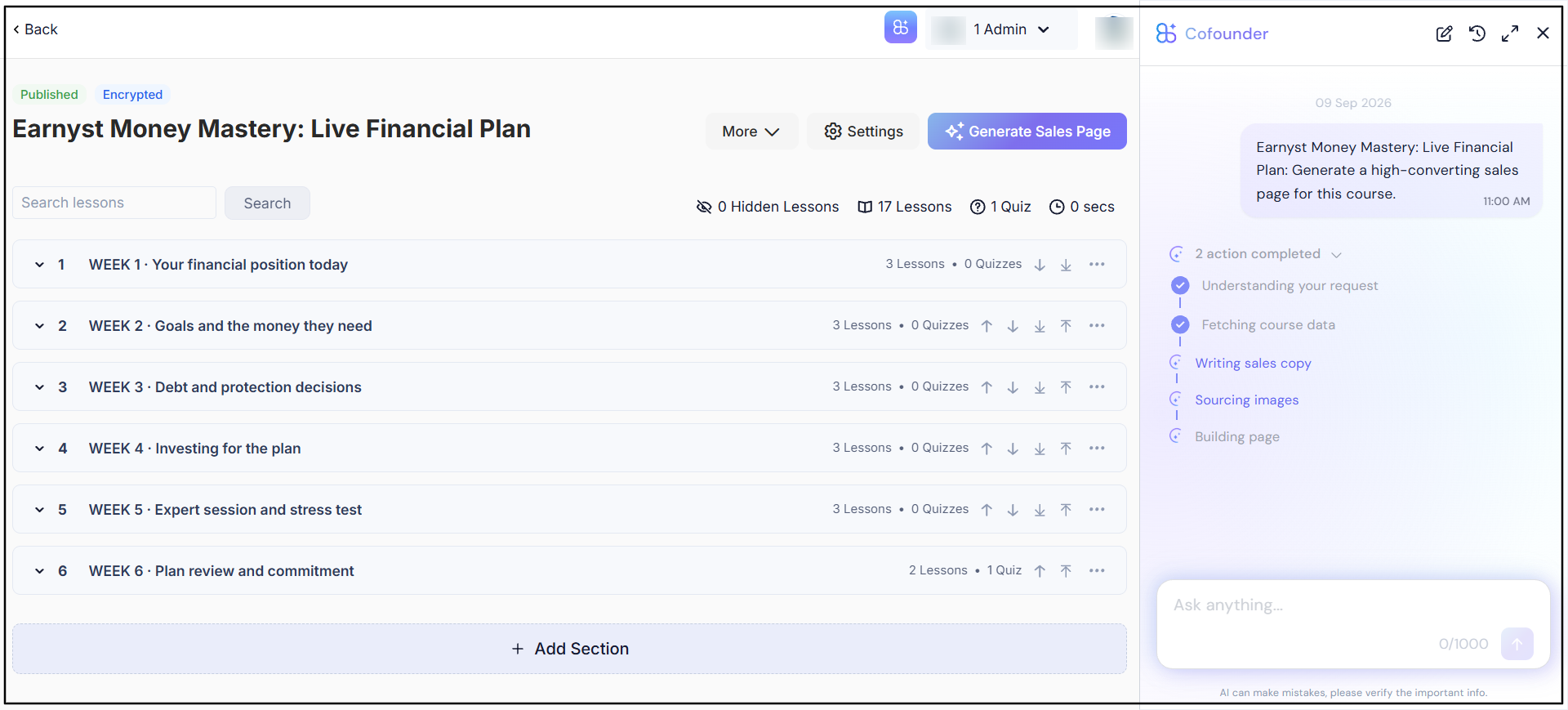
After you click Generate Sales Page, AI CoFounder uses the available data from your course to create the sales page. The generated sales page appears in the right-side section of the screen.
6. Check the sales page requirements
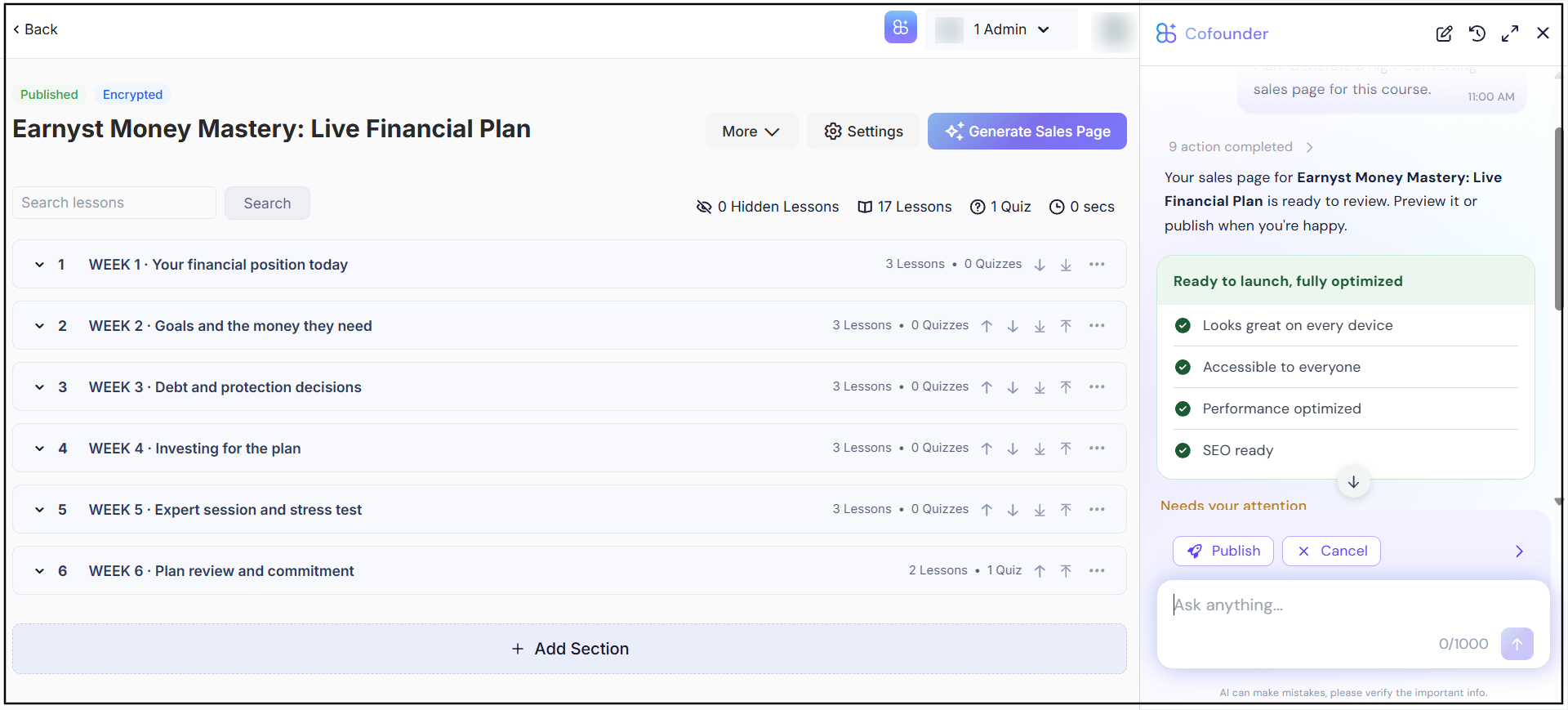
After the sales page is generated, review the requirement checks displayed on the screen. You can check whether the page meets key requirements such as Device Optimization, Accessibility, Performance Optimized, and SEO Optimized.
7. Review the required settings and recommendations
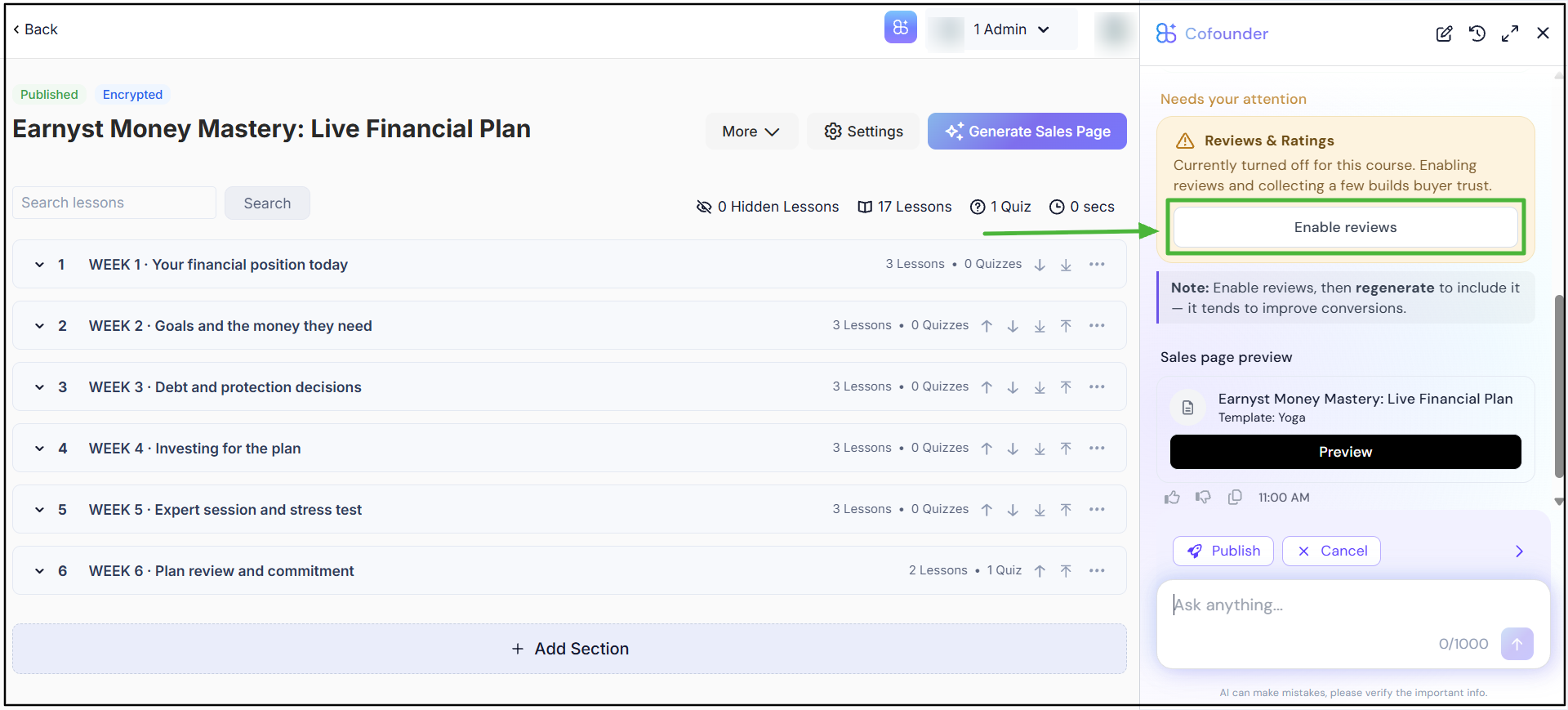
Continue to the next section to review the settings and requirements available for your sales page. Depending on your course setup, you may see requirements or recommendations such as enabling Reviews & Ratings.
8. Preview the sales page
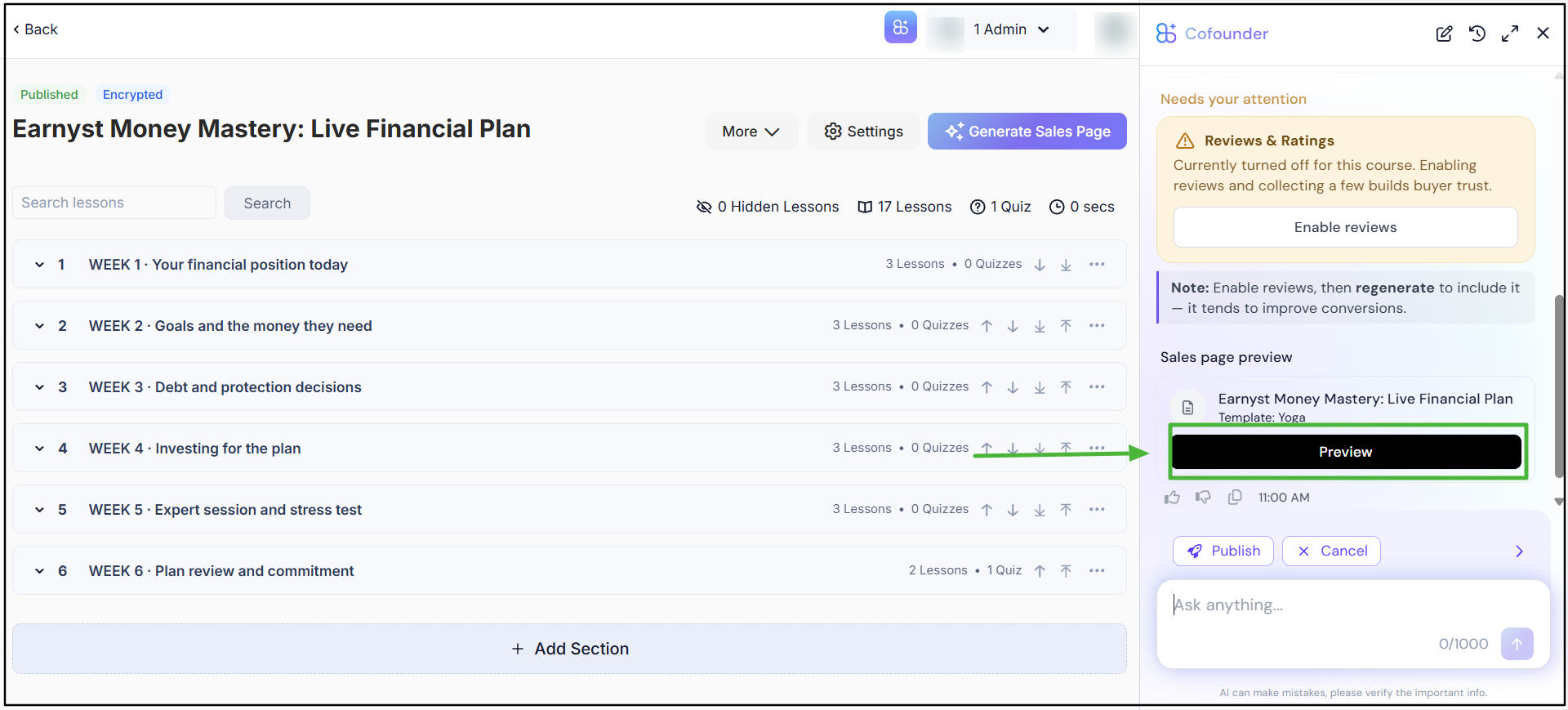
Click Preview to view the generated sales page before publishing. This allows you to review the page content, layout, and overall design.
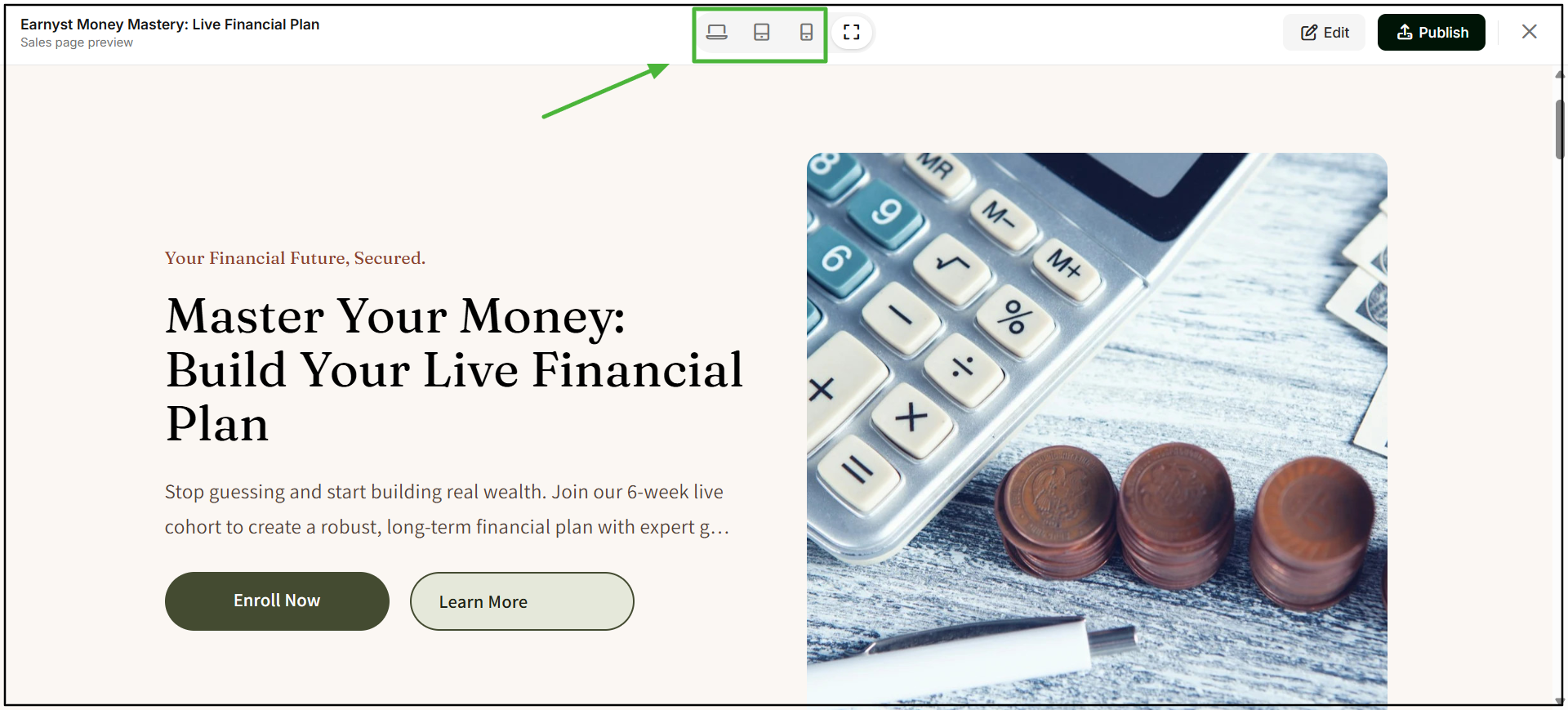
9. Check the sales page across different devices
Inside the preview, review how your sales page appears across different device views. Use the available device options to check the page experience before publishing.
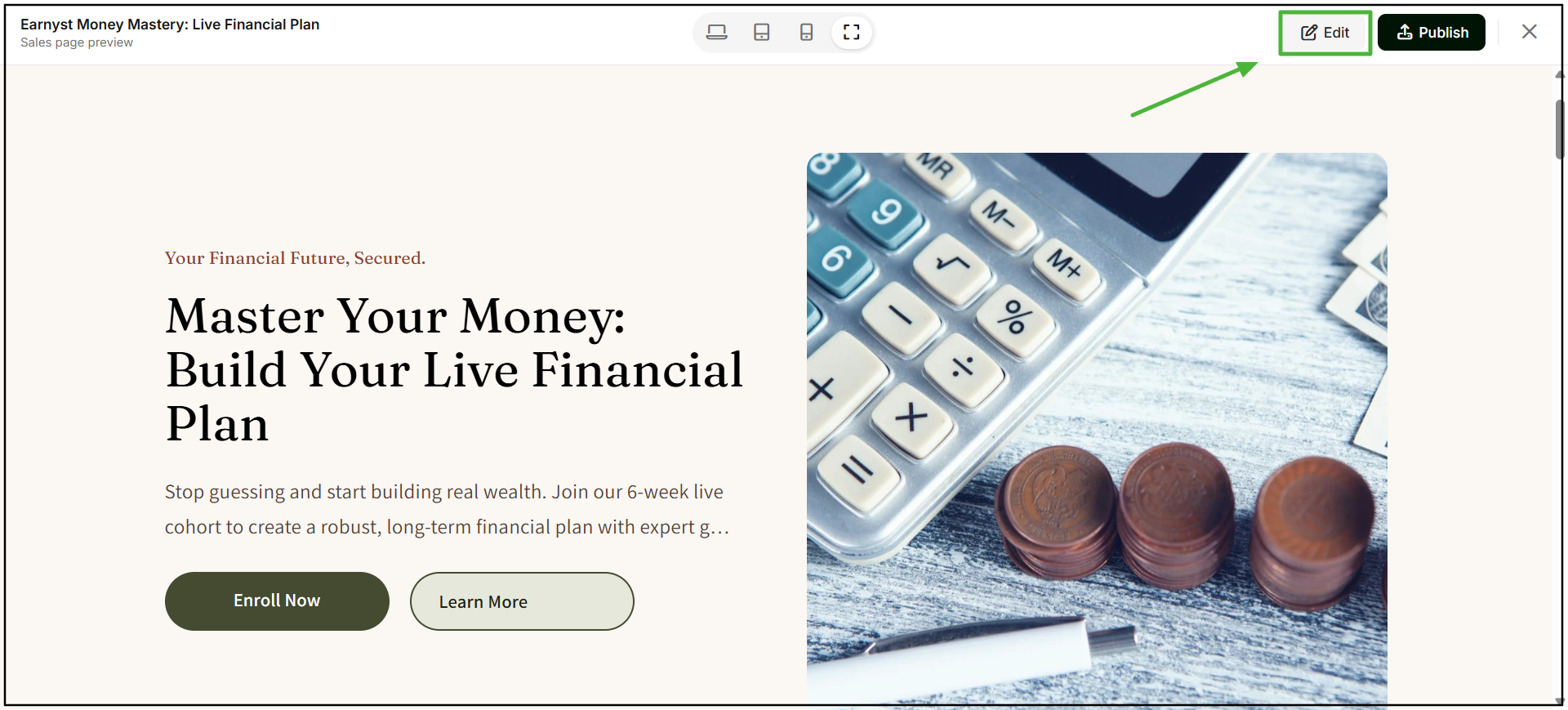
10. Edit the sales page if required
If you want to make changes to the generated page, click Edit in the top-right corner of the preview. You can make the required changes before publishing the page.
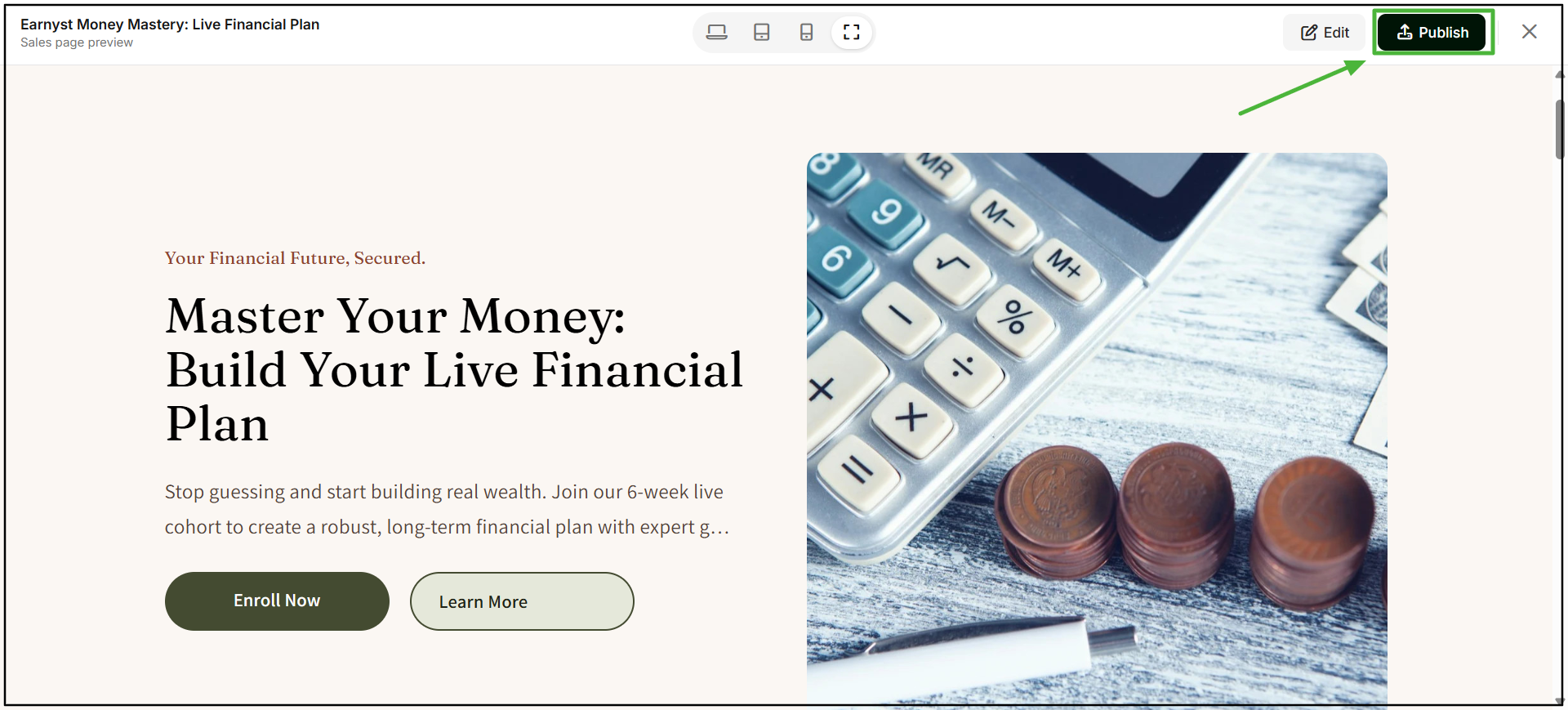
11. Publish the sales page
Once you have reviewed the content and design and are satisfied with the page, click Publish to make the sales page live.
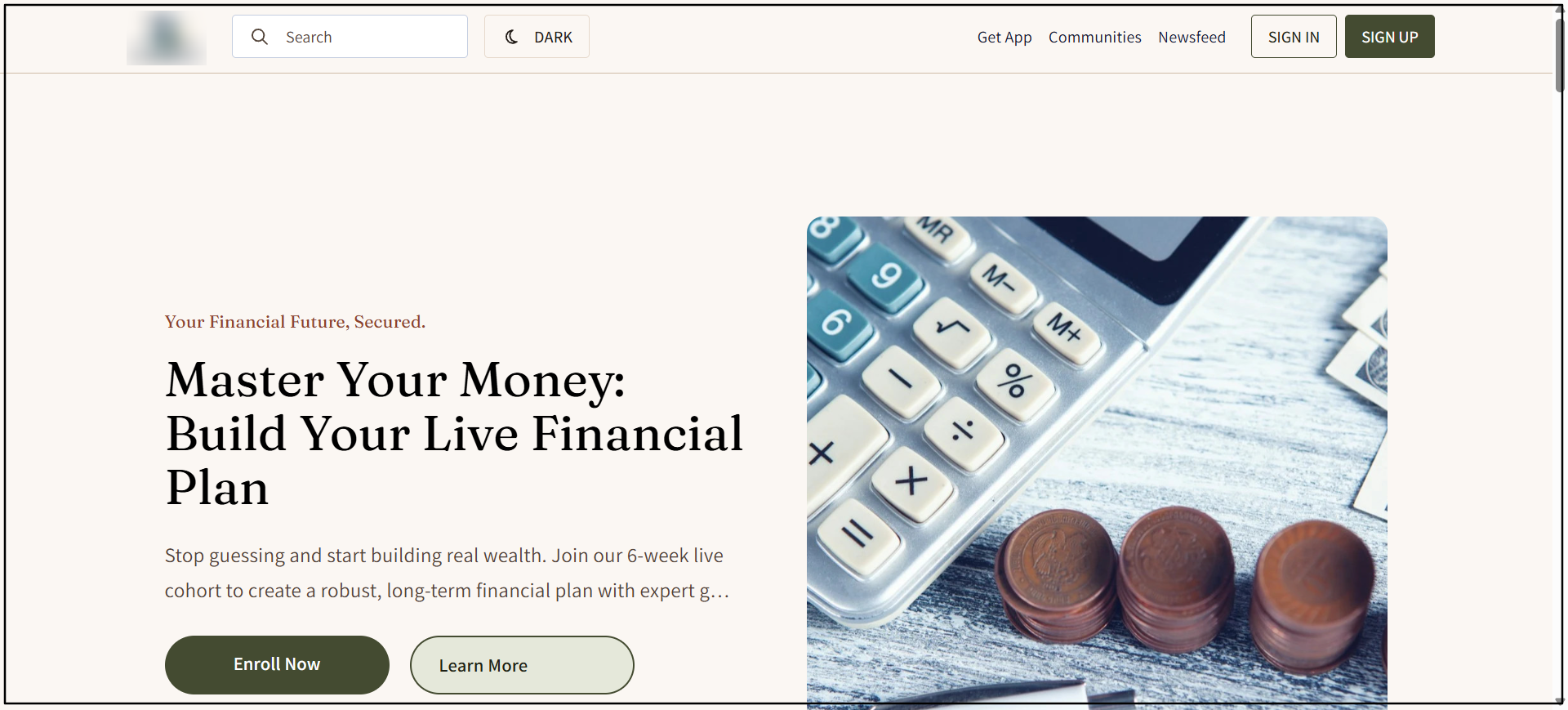
12. Your course sales page is ready
Your sales page is now published and ready for learners to view. With AI CoFounder, you can generate, review, and publish a sales page for your course in minutes. Learnyst also positions AI CoFounder as a tool that generates sales-page elements such as headlines, benefits, CTAs, FAQs, curriculum, and pricing from course information.
Note: The Generate Sales Page feature is currently available only for Courses.