![Learnyst Logo-25-1.png]](https://support.learnyst.com/hs-fs/hubfs/Learnyst%20Logo-25-1.png?height=40&name=Learnyst%20Logo-25-1.png)
When creating a free plan, it comes with a default plan type of Free. Conversely, when setting up a priced plan, it defaults to One Time Payment as the plan type.
To change the default plan type for a product with multiple pricing plans:
- Navigate to the settings and select Pricing & Validity.
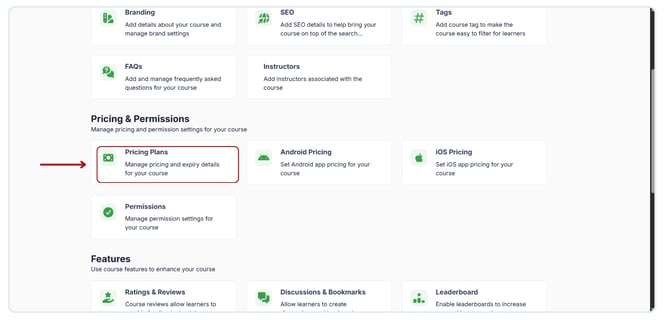
- Choose the pricing plan you wish to set as default.
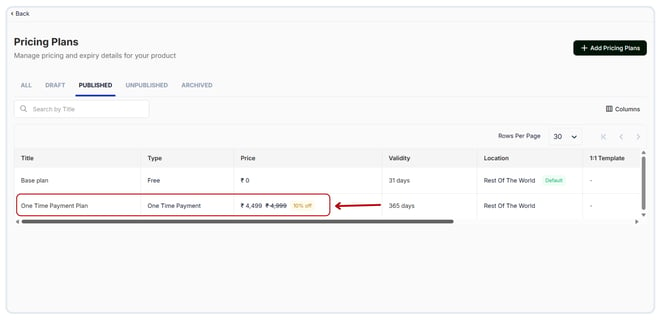
- Click on Edit Plan and mark the checkbox Set as Default Pricing Plan to set the pricing plan as default.
.png?width=670&height=321&name=Default%20Pricing%20Plan%20(1).png)
The plan you wish to set as the default must be published before you set it as default.