![Learnyst Logo-25-1.png]](https://support.learnyst.com/hs-fs/hubfs/Learnyst%20Logo-25-1.png?height=40&name=Learnyst%20Logo-25-1.png)
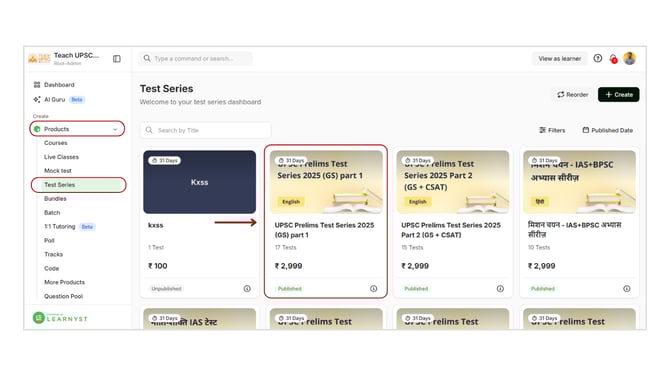
- To arrange your tests, navigate to products > Test Series and select the desired test series.
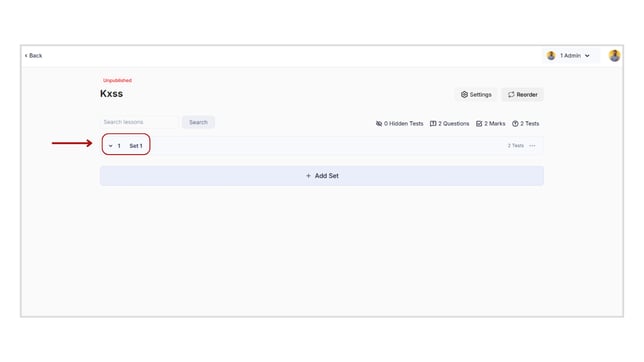
- Click on the set to see the tests.
- To rearrange the tests in any desired order, click the three horizontal bars and drag and drop them.
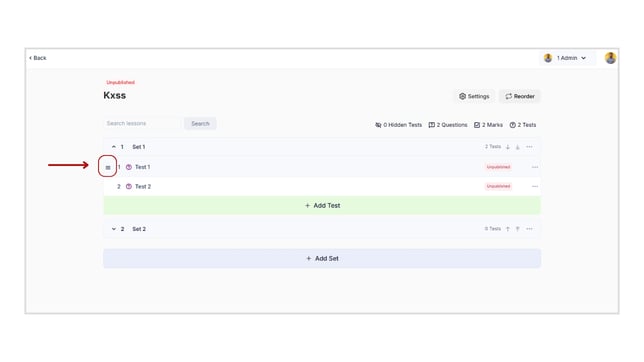
- You have now rearranged the tests in your test series.