![Learnyst Logo-25-1.png]](https://support.learnyst.com/hs-fs/hubfs/Learnyst%20Logo-25-1.png?height=40&name=Learnyst%20Logo-25-1.png)
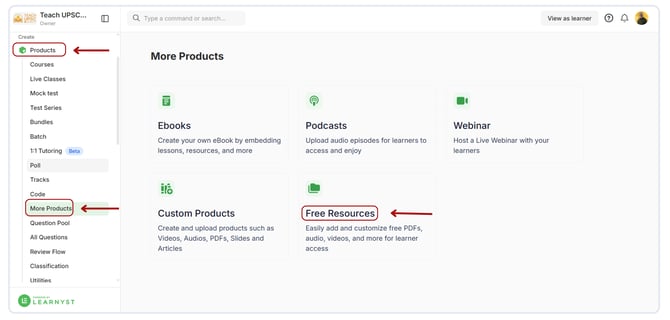
- To reorder your Free Resources, navigate to Products > More Products > Free Resources.
- This is where you're going to land. Press the Reorder button now.
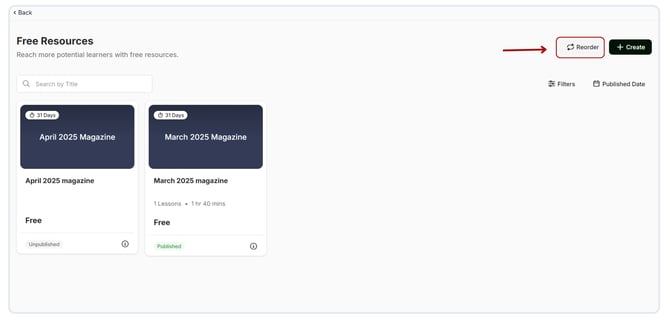
- Simply drag and drop the six-dot option to change the order of the free resource.
.png?width=670&height=321&name=Reorder%20%20free%20resources%20(1).png)
- Your Free Resources page will display the Free Resources list in the same order that you changed it here.