![Learnyst Logo-25-1.png]](https://support.learnyst.com/hs-fs/hubfs/Learnyst%20Logo-25-1.png?height=40&name=Learnyst%20Logo-25-1.png)
Steps to Reorganize Spaces
Step 1: Open the Socials Dashboard
Go to the Admin Dashboard > View As Learner > Socials Dashboard and locate the Space that needs to be reorganized.
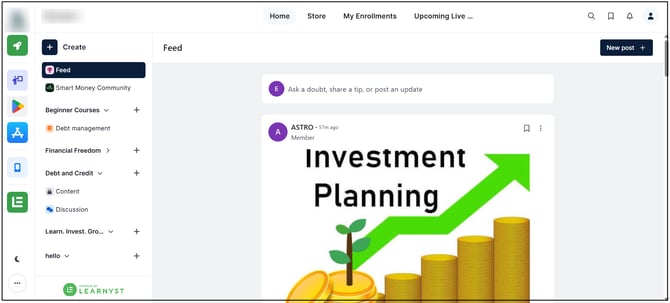
Step 2: Select the Space
Click and hold the Space that needs to be moved.
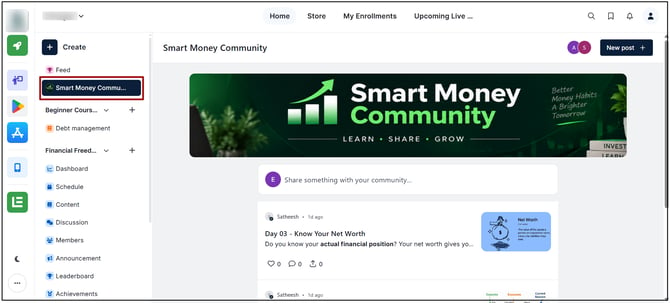
Step 3: Drag the Space
Drag the selected Space toward the required Space Group.
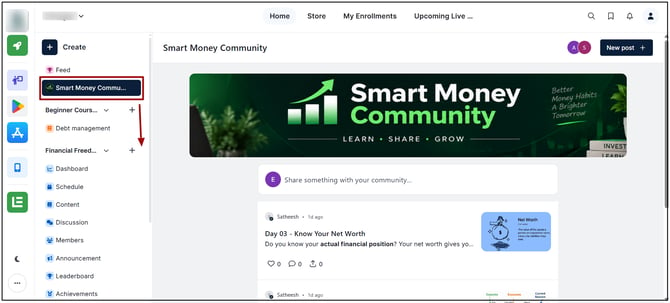
Drop the Space in the desired location to reorganize it within the selected Space Group.
The Space will appear in its new position or Space Group after being dropped in the selected location. The Space and its content remain unchanged.