![Learnyst Logo-25-1.png]](https://support.learnyst.com/hs-fs/hubfs/Learnyst%20Logo-25-1.png?height=40&name=Learnyst%20Logo-25-1.png)
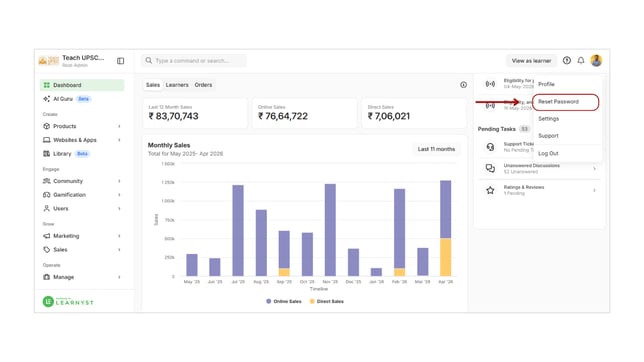
- To reset your password, first log in as an admin.
- Click the profile icon and select the Reset Password option.
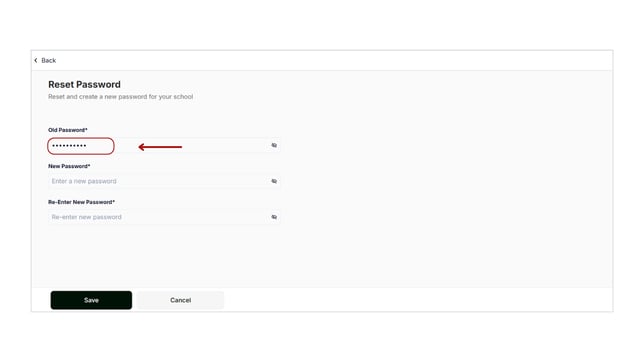
- Once you enter this page, enter your current password here.
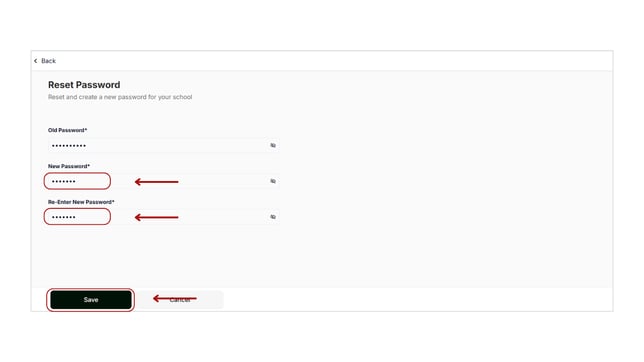
- Then, enter the new password and re-type it for confirmation.
- Once you've entered your new password, click the Save button.
- By following these steps, you can easily reset your school account password.