![Learnyst Logo-25-1.png]](https://support.learnyst.com/hs-fs/hubfs/Learnyst%20Logo-25-1.png?height=40&name=Learnyst%20Logo-25-1.png)
Steps to Search in Socials
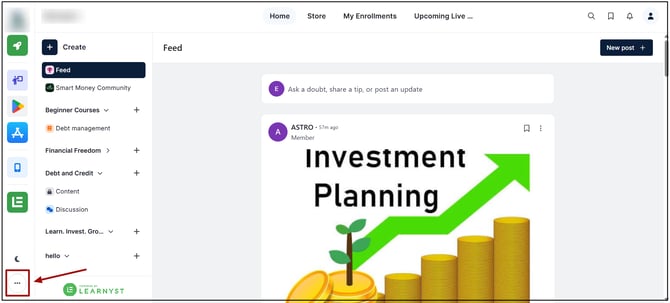
Step 1: Open the Socials Dashboard
Go to the Admin Dashboard > View As Learner > Socials Dashboard.
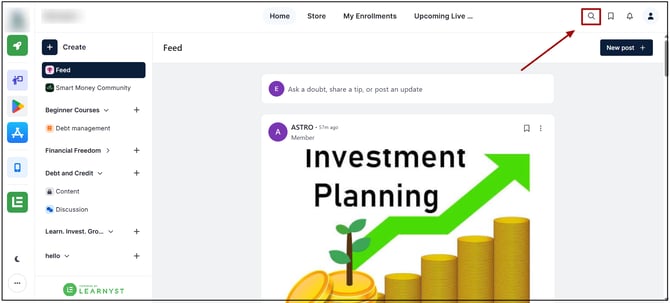
Step 2: Click the Search Icon
Click the Search icon located in the top section of the dashboard.
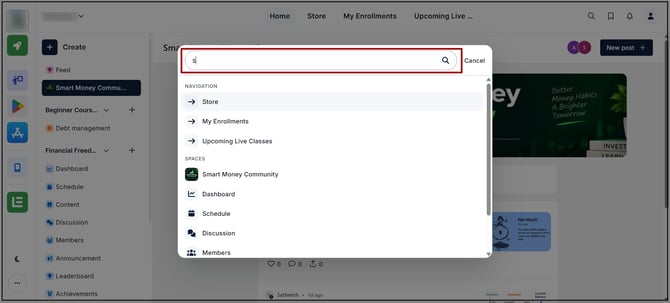
Step 3: Enter the Search Query
Enter the required keyword or search term in the search field.
Step 4: Select the Required Result
Review the available search results and select the required item to access it.
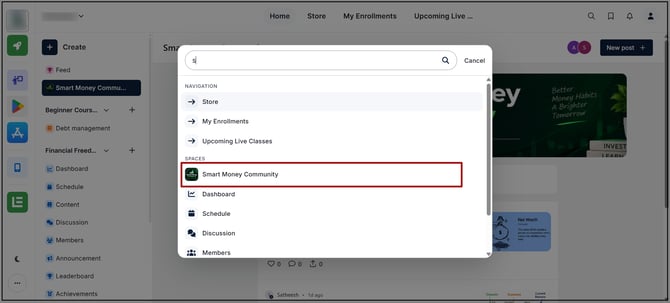
The search results display items matching the entered search term. Searching does not modify, move, or delete any Socials content.