![Learnyst Logo-25-1.png]](https://support.learnyst.com/hs-fs/hubfs/Learnyst%20Logo-25-1.png?height=40&name=Learnyst%20Logo-25-1.png)
Steps to Check Bookmarks
Step 1: Open the Socials Dashboard
Go to the Socials Dashboard.
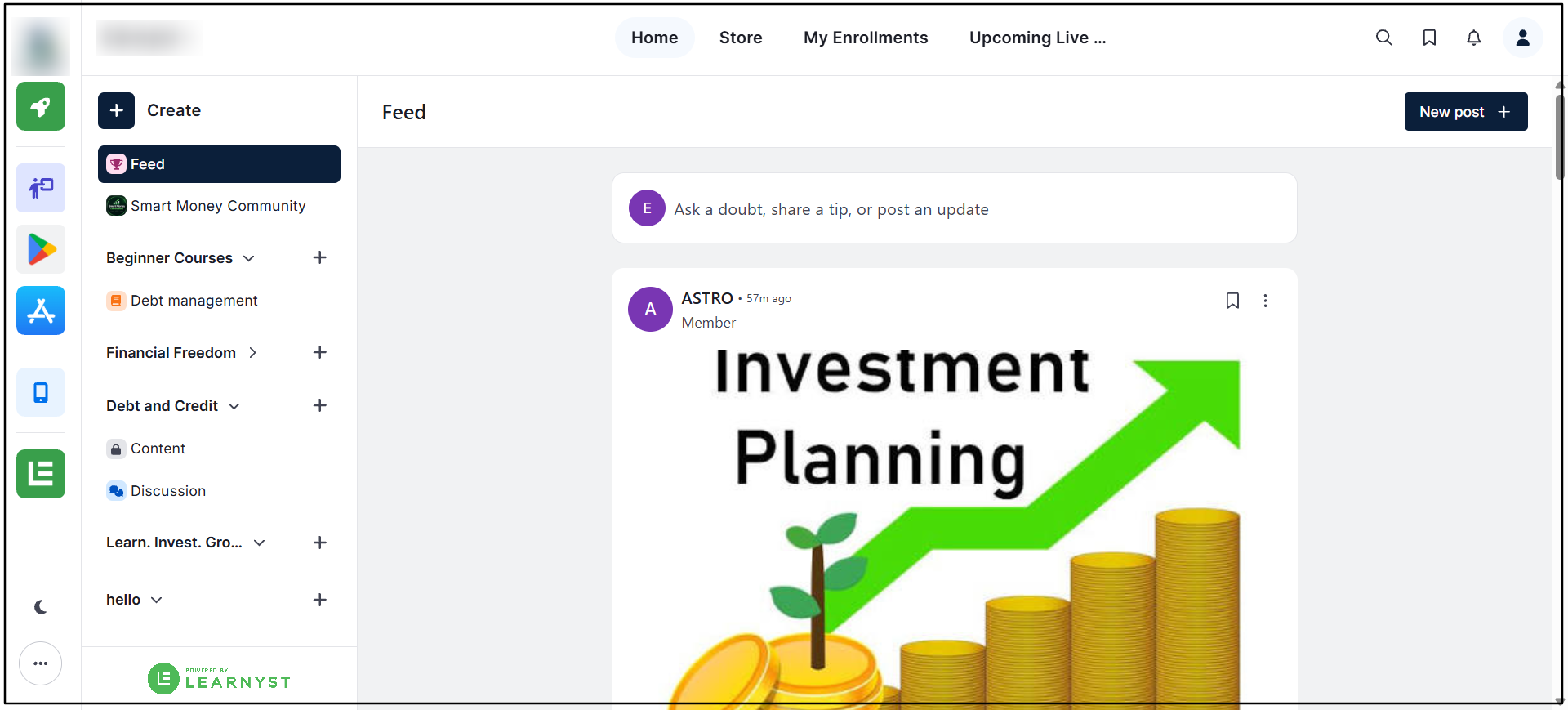
Step 2: Open Bookmarks
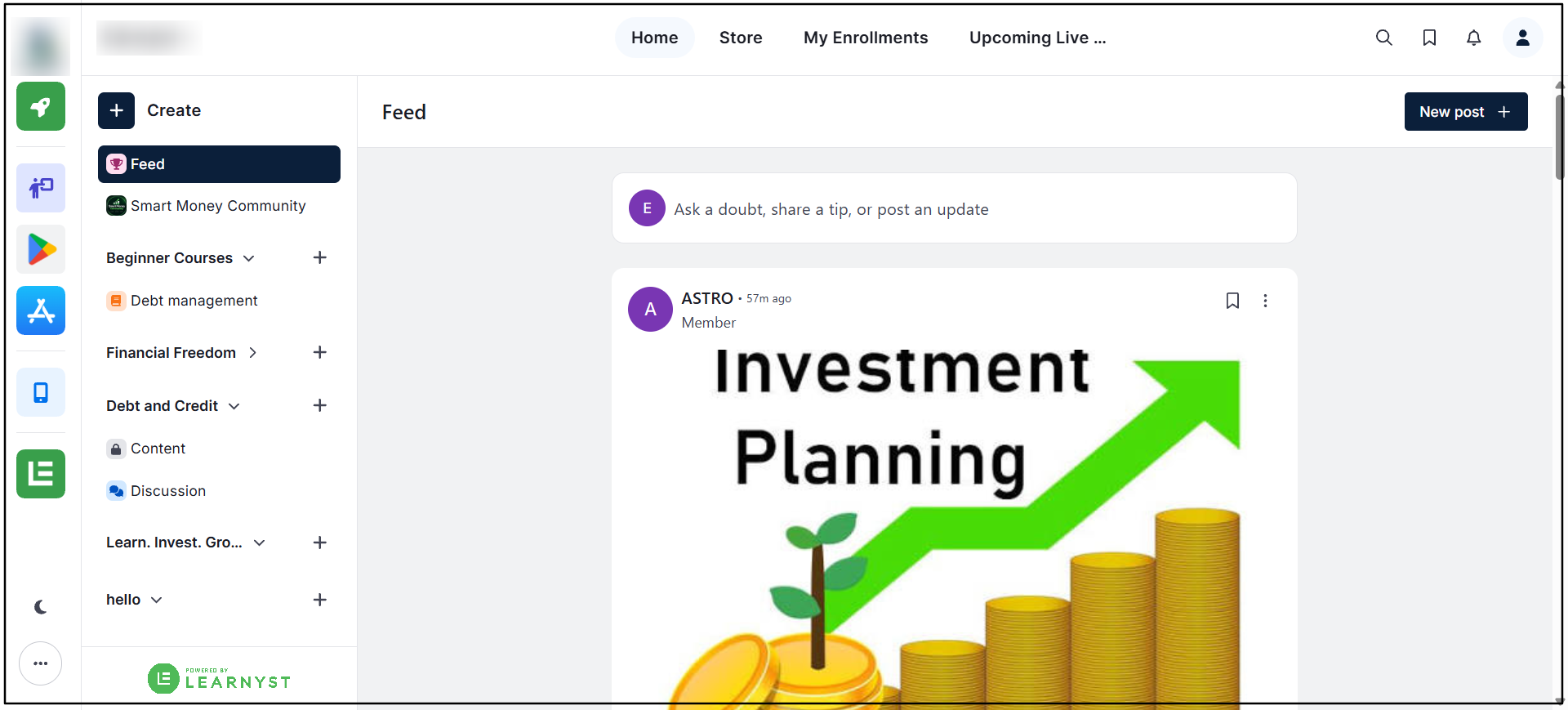
Click the Bookmarks icon located beside the Search icon in the top section of the dashboard.
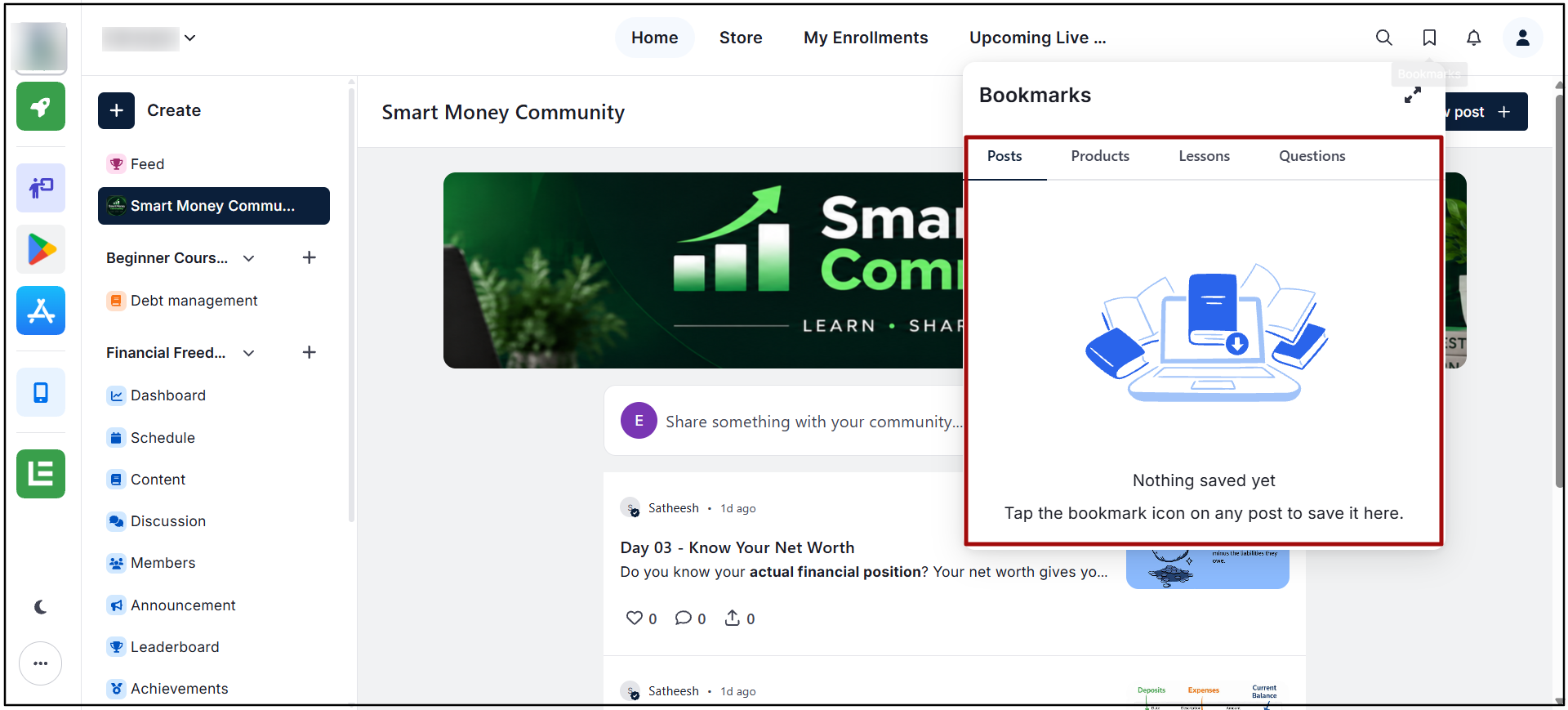
Step 3: View Bookmarked Content
The bookmarked content will be displayed, allowing the required item to be accessed quickly.